
Occupant Training Resources
Welcome to View Smart Windows - the future of wellness and sustainability
Did you know that we spend 90% of our waking life in a building of some description? What if you could intelligently control the levels of comfort, productivity, and overall wellbeing experienced inside these buildings? As the latest person to sit behind View Smart Windows, now you can.
We have compiled a variety of resources that will guide you throughout your View journey.
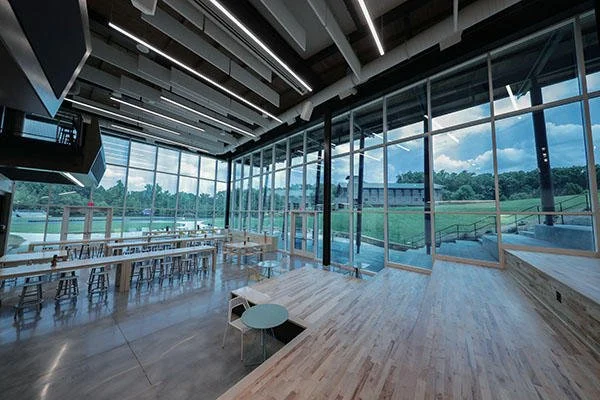
View Smart Windows Overview
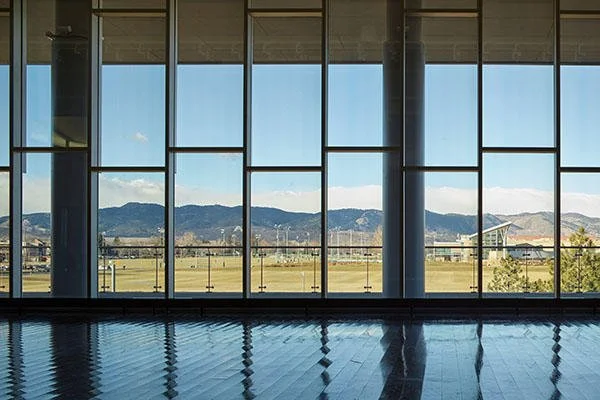
View Mobile App
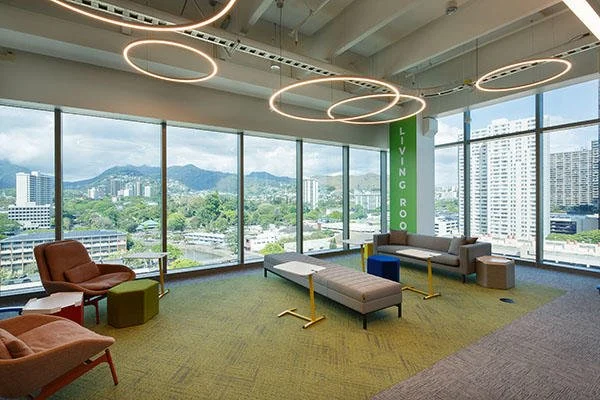
Support
Benefits of View Smart Windows
View was built on the understanding that natural light is required to live a healthy and productive life. Ordinary windows are far from optimized, unable to effectively reduce glare and heat. View Smart Windows have been proven to improve people's health and wellness by increasing their access to natural light.
Studies from Cornell, University of Illinois and SUNY Medical Center show that participants with View Smart Windows experience:
51% reduced eyestrain
63% fewer headaches

77% less likely to report depression

+37 minutes longer sleep

42% higher cognitive

21% higher productivity

What are View Smart Windows?
View Smart Windows increase access to daylight and views by automatically tinting throughout the day based on the position of the sun. View eliminates blinds and minimizes, heat, glare and exposure to pathogens.
How does it work?


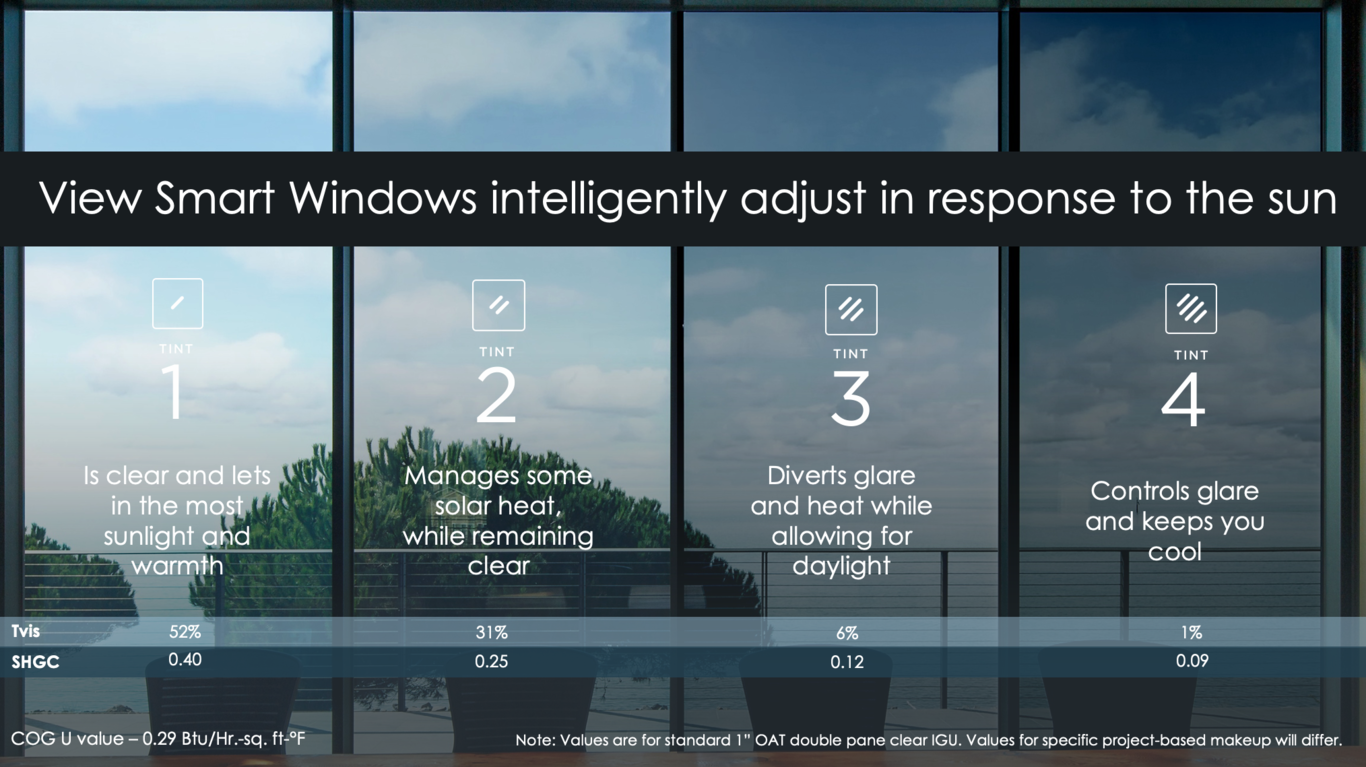
View Smart Windows utilize electrochromic technology and a predictive software algorithm called Intelligence. With Intelligence, windows respond automatically so that tenants can enjoy the views and daylight without lifting a finger. The key factors affecting glass tint include the depth of sun shining into the space, the amount of heat passing through the windows, and the cloud cover and reflections from nearby buildings.
Tint 1

52% Visible Light Transmission
Is clear and lets in the most sunlight and warmth. Used when the sky is cloudy or clear and the sun is not on the façade.
Tint 2

30% Visible Light Transmission
Manages some solar heat, while still remaining clear. Used on partly cloudy days.
Tint 3

6% Visible Light Transmission
Diverts glare and heat while still allowing for daylight. Presents average level of glare from direct sun or reflection off the adjacent building.
View Mobile App
The best way to experience View Smart Windows is through Intelligence®. However, at any time, people can customize their View experience using the mobile app. The mobile app communicates securely with the View cloud to override instantly. Reach out to your CSM if you have questions about which app to download for your building at csm@view.com.

View Wellness
For installs after 2018



App 2.1
For installs after 2018

App 1.2
For installs prior 2018
View Mobile App Training Resources
Access everything you need to get started with the View Mobile App, including installation instructions, user guides, troubleshooting tips, and support resources for managing your View Smart Windows experience.
How to Contact View Support
For any issues, please reach out to your building manager. If you are unable to reach your building manager, you can reach our support team by e-mail at support@view.com or through the form below.